10 Top AI Humanizers for Client Deliverables in 2026

In 2026, client-facing AI copy is being judged less by novelty and more by whether it survives real editorial scrutiny. This guide compares 10 humanizers on voice control, consistency, accuracy, workflow fit, and the practical tradeoffs that shape polished, dependable client deliverables over time.
Choosing an AI humanizer for client work is rarely just about making text sound less mechanical. Teams also need consistent output, dependable editing controls, and revisions that remain stable across multiple deliverables, which is why many professionals compare the best AI humanizer tools for client work before settling on a workflow.
Quality becomes easier to judge when editing decisions are measured against repeatable benchmarks rather than first impressions alone. Looking at broader AI draft review statistics also helps explain why experienced editors rarely rely on a single pass before sharing content with paying clients.
Different platforms approach rewriting from noticeably different angles, with some emphasizing natural phrasing while others prioritize preserving facts, formatting, or tone. Understanding how teams refine AI drafts before publishing provides useful context for deciding which strengths matter most for client-facing projects.
The list below compares leading options based on editing experience, workflow flexibility, and the balance they strike between readability and practical day-to-day use. Every platform offers a slightly different tradeoff, making the right choice depend more on the type of deliverables being produced than on feature lists alone.
10 Top AI Humanizers for Client Deliverables
| # | Brand | TL;DR |
|---|---|---|
| 1 | WriteBros.ai | Built for producing client-ready rewrites with extensive voice controls and consistent editing quality. |
| 2 | Undetectable AI | Focuses on making AI-generated writing read more naturally while preserving the original message. |
| 3 | StealthWriter | Provides multiple rewriting modes for users balancing readability with structural preservation. |
| 4 | QuillBot AI Humanizer | Pairs familiar rewriting tools with an AI humanization workflow for polished client documents. |
| 5 | Grammarly AI Humanizer | Combines grammar assistance with natural language improvements inside an established editing platform. |
| 6 | Scribbr’s AI Humanizer | Designed for clearer, more natural academic and professional writing without major restructuring. |
| 7 | Humanizer.Pro | Offers quick humanization focused on improving readability across varied content formats. |
| 8 | GPTInf | Emphasizes rewriting techniques that retain meaning while producing smoother client-facing copy. |
| 9 | Walter Writes AI | Balances readability improvements with tone preservation for marketing and business content. |
| 10 | AI Undetect | Provides straightforward rewriting aimed at producing cleaner and more conversational deliverables. |
10 Top AI Humanizers for Client Deliverables Worth Noting
Top AI Humanizers for Client Deliverables #1. WriteBros.ai
WriteBros.ai takes a more controlled approach to humanizing client deliverables, which matters when the finished copy needs to sound recognizably human without drifting away from the brief. Its broader set of voice properties gives editors room to adjust qualities such as rhythm, sentence shape, directness, and emotional texture rather than relying on one generic humanize button. That depth is useful for agencies handling several clients because the same underlying draft can be reshaped around different brand expectations without rebuilding the whole thing from scratch. The tradeoff is that more control asks for more judgment, so editors who want an instant result may need time to understand which settings actually improve a particular piece. It also works best when the original draft already contains accurate information, since humanization cannot compensate for weak research or an unclear argument. For teams willing to review the output properly, though, the platform is basically designed around the part of client work that often gets overlooked, which is keeping the writing natural while preserving a repeatable voice.
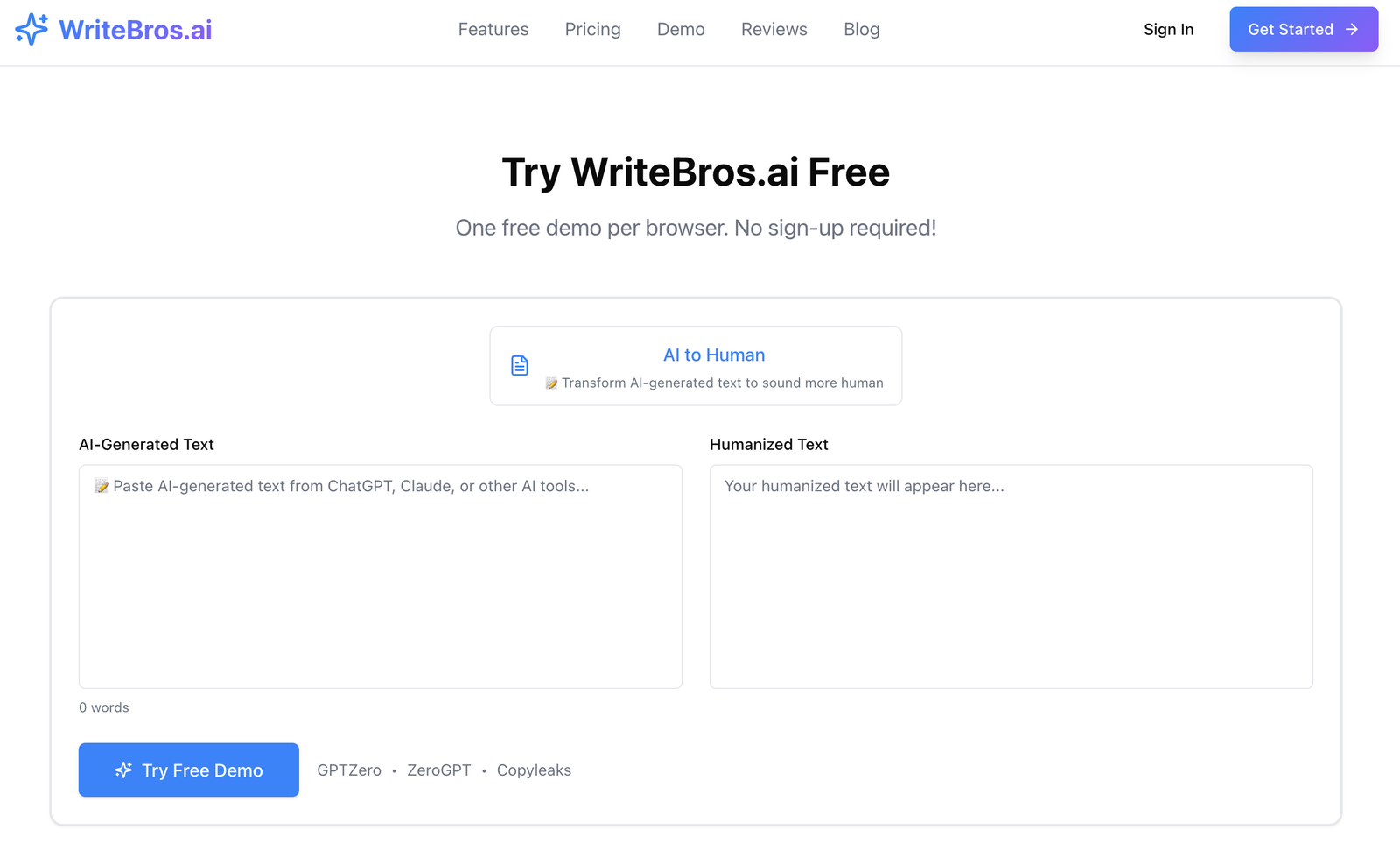
Best use case: Agencies and independent writers who need to adapt AI-assisted drafts to distinct client voices without flattening every deliverable into the same style.
What it does well: It gives editors unusually detailed control over tone and writing behavior, which helps maintain consistency across recurring accounts.
Where it falls short: The wider range of controls can feel slower than a one-click rewriter when the deadline matters more than fine-grained voice matching.
Who should skip it: Users who want a completely automatic result and do not plan to review how the rewritten copy aligns with the original brief.
Top AI Humanizers for Client Deliverables #2. Undetectable AI
Undetectable AI is built around fast transformation, which makes it appealing when a team has a large volume of AI-generated copy to clean up before delivery. The interface keeps the process fairly direct, and its output often introduces enough sentence variation to reduce the repetitive cadence that gives machine-written text away. That simplicity can be useful for routine formats such as short blog sections, product summaries, or supporting copy where the client is mainly concerned with readability. Still, the result can sometimes change phrasing more aggressively than an editor would choose, so names, claims, and technical details need to be checked rather than assumed correct. Its emphasis on detection-related outcomes can also pull attention away from the more important client question, which is whether the writing actually suits the audience and brand. It is honestly most practical as an early editing layer, not as the final authority on whether a deliverable is ready to send.
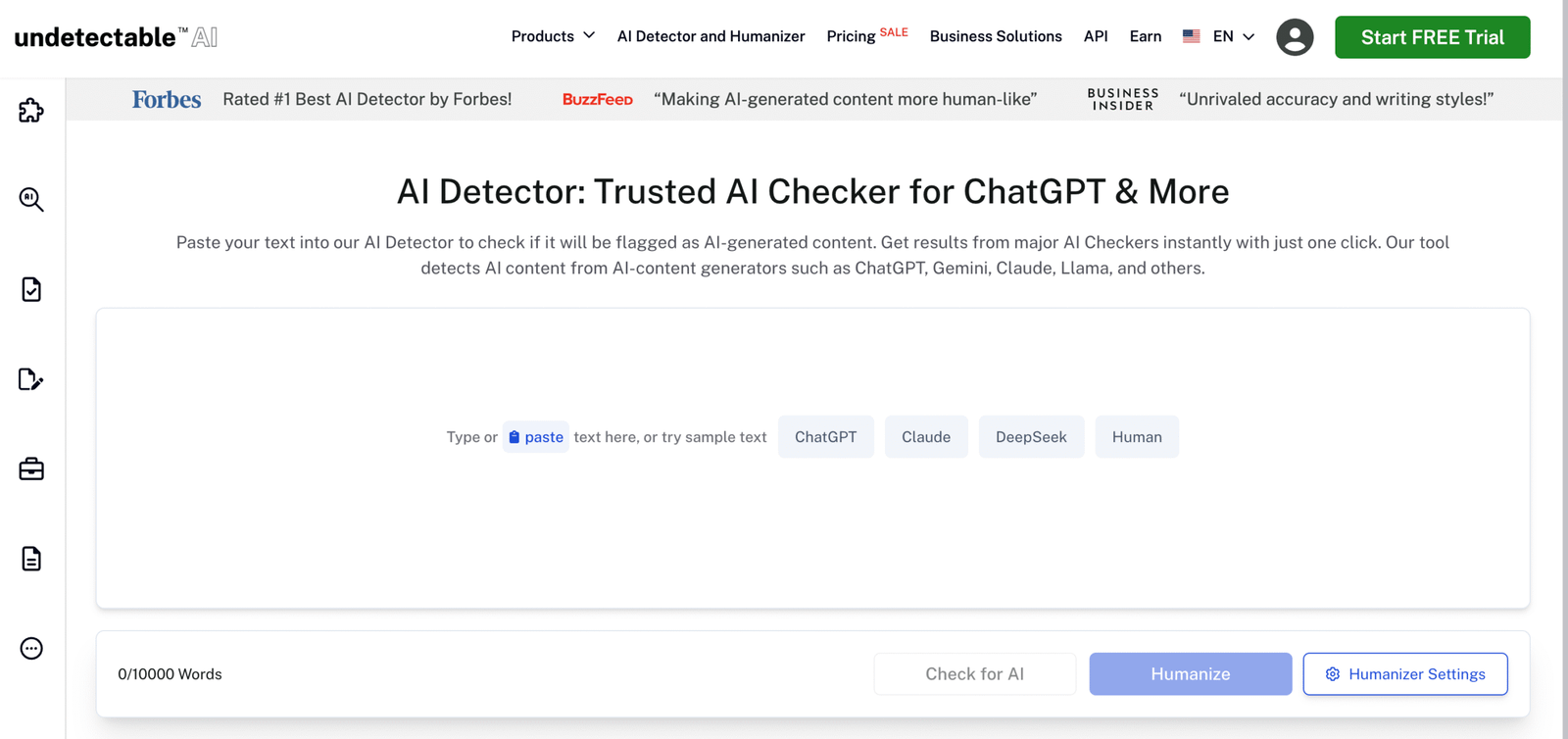
Best use case: High-volume content workflows that need a quick first pass before a human editor handles accuracy, tone, and brand alignment.
What it does well: It simplifies the rewriting process and breaks up many of the predictable patterns found in lightly edited AI drafts.
Where it falls short: Some rewrites can become less precise, particularly when the source includes technical language or carefully approved claims.
Who should skip it: Teams producing regulated, legal, financial, or highly specialized deliverables where small wording changes carry significant risk.
Top AI Humanizers for Client Deliverables #3. StealthWriter
StealthWriter gives users several rewriting levels, which provides a useful middle ground between minor cleanup and a more substantial reconstruction of the draft. That flexibility can help when different client assets need different amounts of intervention, since a short email does not need the same treatment as a long thought-leadership article. The tool is particularly good at disturbing uniform sentence patterns, and the whole thing feels designed for people who want visible changes without setting dozens of individual style controls. However, stronger modes can occasionally replace a precise sentence with something looser or more generic, which means the most transformed output is not always the most usable. The focus on making text appear less machine-generated can also encourage over-editing when a restrained revision would preserve the client’s meaning more effectively. StealthWriter is therefore better treated as a variable-strength rewriting engine that still depends on an editor to decide how much change is actually justified.
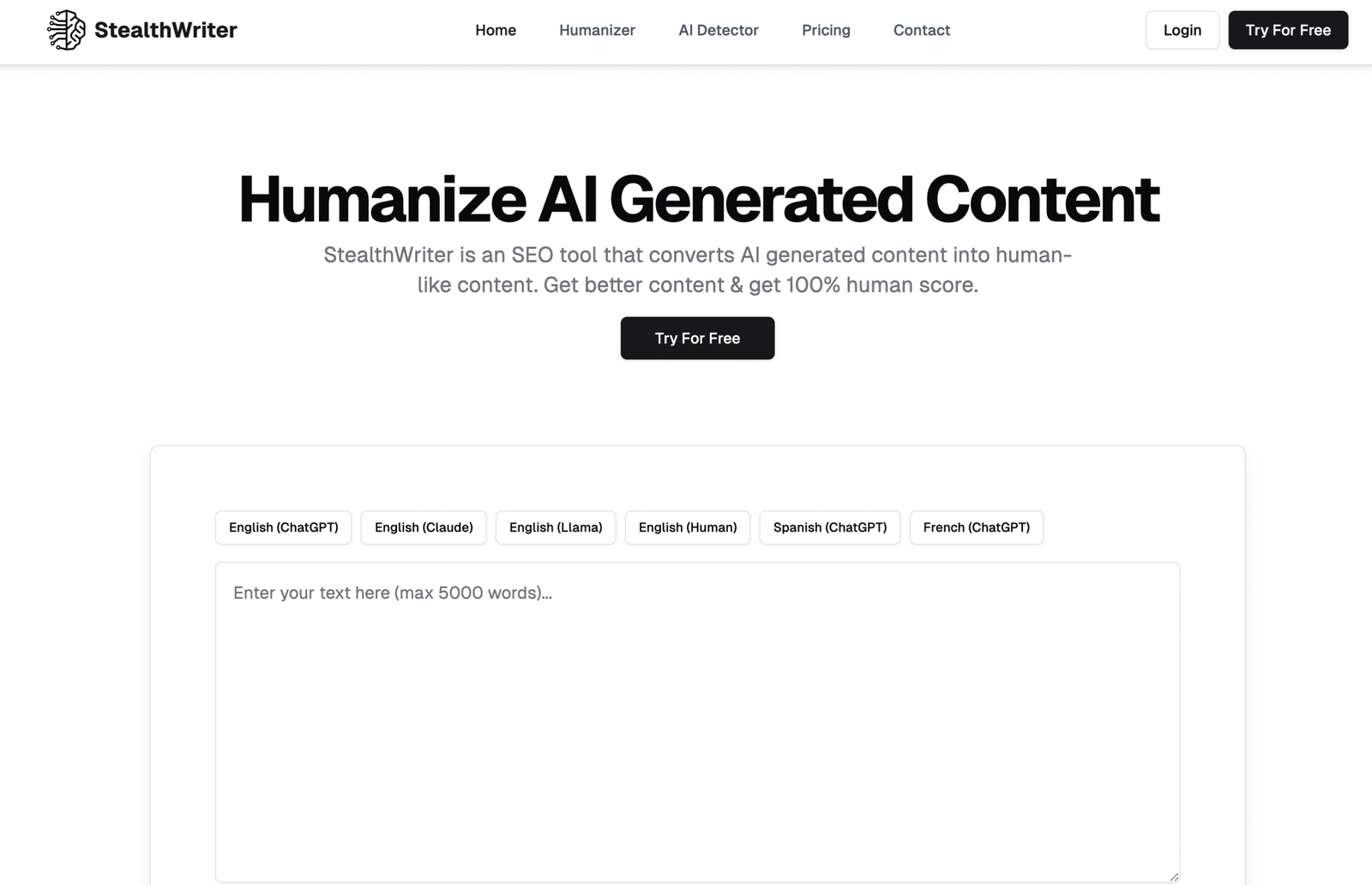
Best use case: Editors who want to test several levels of rewriting before deciding how far a client draft should move from its original structure.
What it does well: It provides clear variation between lighter and heavier transformations, which makes comparison easier during revision.
Where it falls short: More aggressive settings may dilute specialist terminology, distinctive phrasing, or details that were intentionally included in the source.
Who should skip it: Writers who need exact preservation of every sentence-level claim and do not have time for a careful comparison against the original.
Top AI Humanizers for Client Deliverables #4. QuillBot AI Humanizer
QuillBot’s AI Humanizer sits inside a familiar editing environment, which makes it easier to adopt for teams already using the platform for paraphrasing, grammar checks, or sentence-level refinement. Its main strength is accessibility because editors can move between rewriting and cleanup without learning a completely separate workflow. The output generally aims for smoother phrasing rather than a dramatic change in voice, which can suit straightforward deliverables that already have a sound structure. That restraint is not always enough for copy with a very distinctive brand personality, and the result can still feel sort of neutral when the source lacks emotional or stylistic direction. There is also a risk of treating each sentence independently, which may improve local readability while leaving the wider argument uneven. QuillBot works best when the editor wants dependable polishing and is prepared to handle voice, narrative flow, and client-specific nuance outside the humanizer itself.
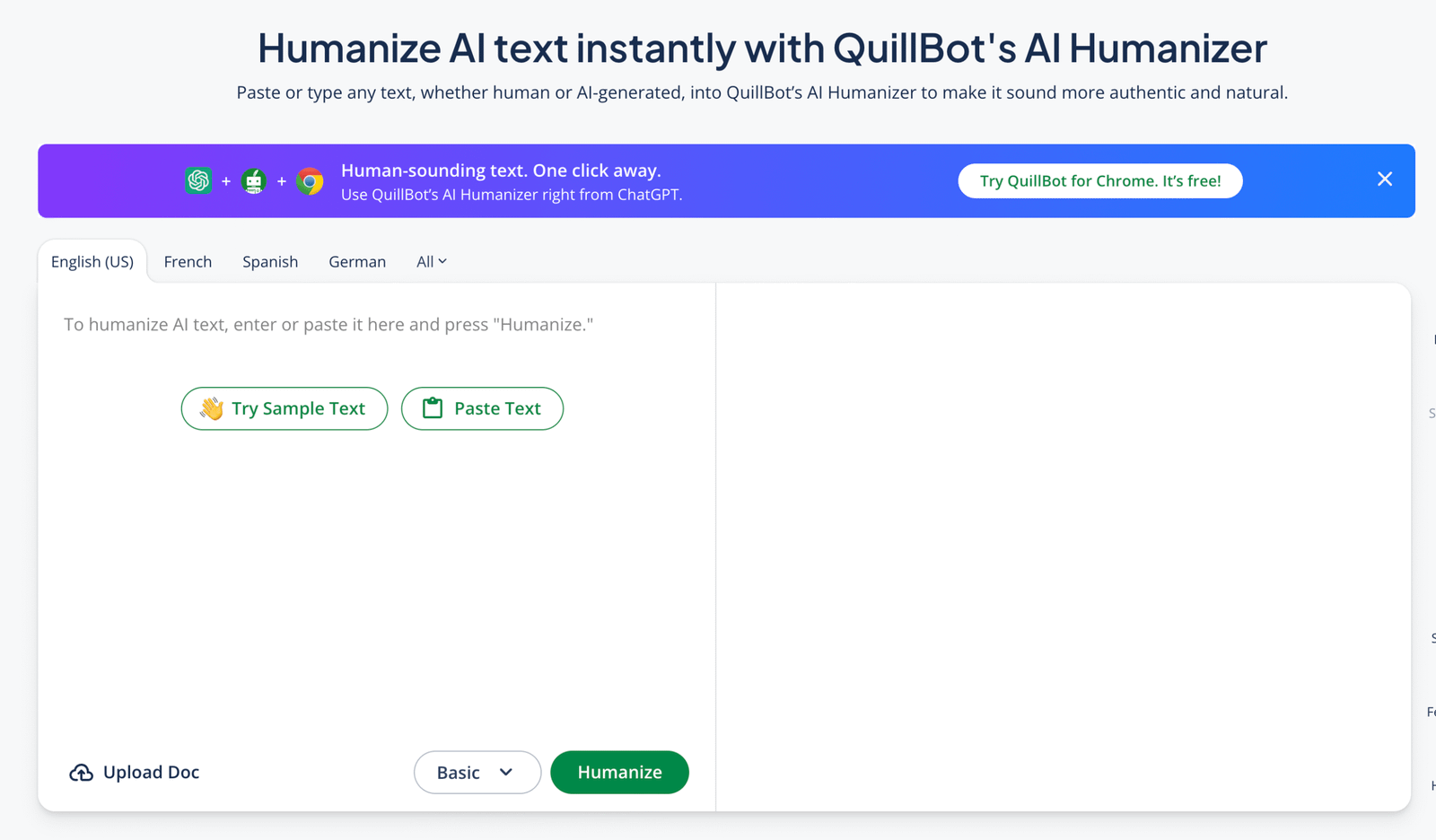
Best use case: General business documents, educational material, and supporting client copy that needs cleaner phrasing without a complete stylistic overhaul.
What it does well: It combines humanization with familiar paraphrasing and editing tools, which keeps everyday revision work in one place.
Where it falls short: The output can remain fairly neutral and may not capture a client voice that depends on unusual rhythm, humor, or emotional specificity.
Who should skip it: Brand writers looking for detailed voice modeling or substantial control over how personality appears throughout a longer document.
Top AI Humanizers for Client Deliverables #5. Grammarly AI Humanizer
Grammarly’s AI Humanizer benefits from being part of an editing system that many client-facing teams already use, which reduces the friction of adding another review stage. It is strongest when humanization means making a draft clearer, less stiff, and more appropriate for a professional reader rather than radically rewriting its identity. The surrounding grammar, tone, and clarity suggestions also help editors catch problems that a standalone humanizer might leave behind. Even so, Grammarly’s recommendations can lean toward broadly accepted professional language, which may sand down quirks that a client actually considers part of the brand. It can also encourage sentence-level correctness without fully resolving whether the document has a distinctive point of view or a convincing overall progression. For conventional deliverables, the platform is dependable, but creative teams may need to resist every suggestion that makes the copy cleaner at the expense of character.
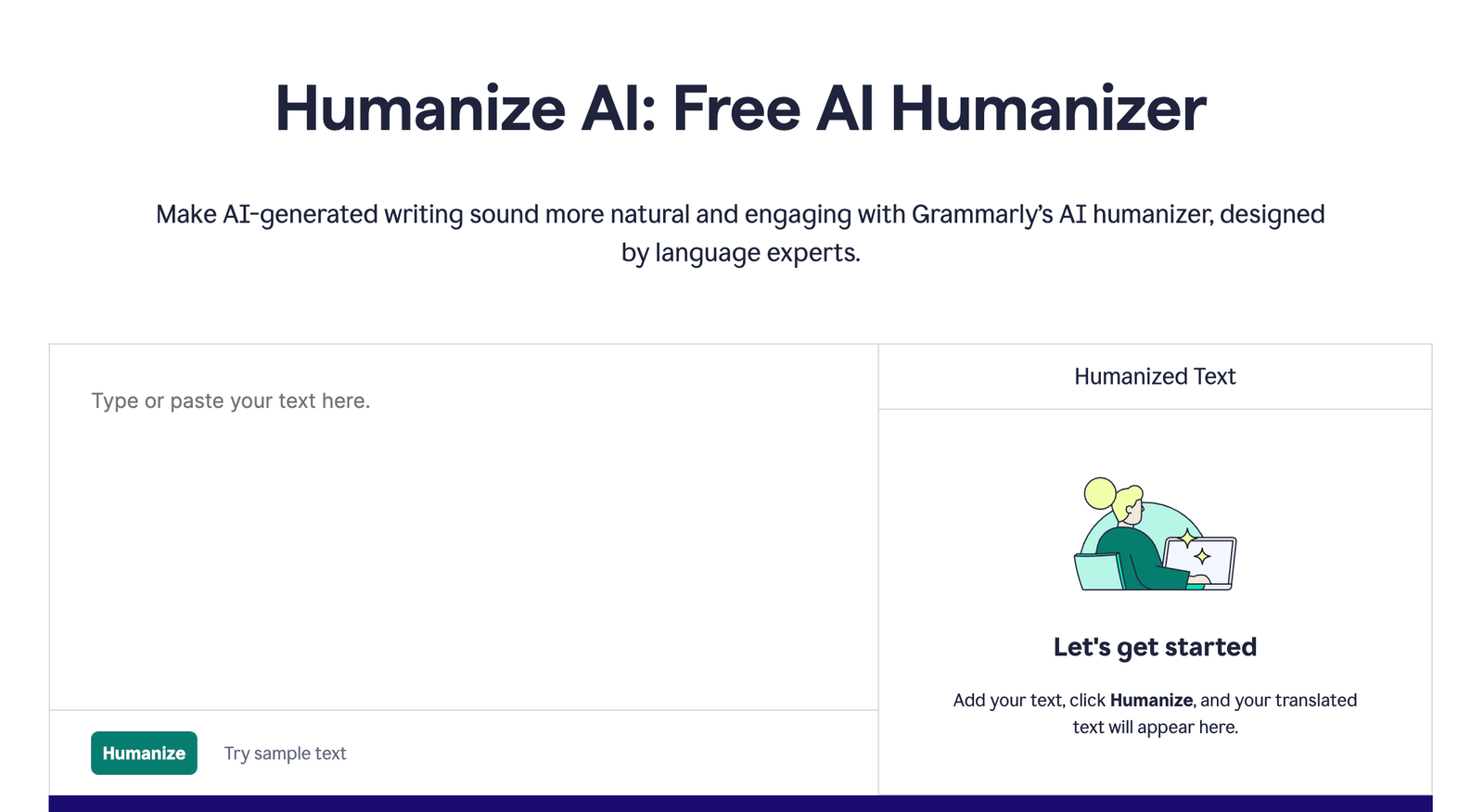
Best use case: Professional reports, emails, proposals, and web copy that need natural phrasing alongside conventional grammar and clarity checks.
What it does well: It integrates humanization into a broader editorial review, which helps teams address readability and correctness at the same time.
Where it falls short: Its preference for polished professional language can make expressive or deliberately unconventional copy feel more generic.
Who should skip it: Clients whose voice depends on strong stylistic irregularities that would normally be flagged or softened by standard editing guidance.
Top AI Humanizers for Client Deliverables #6. Scribbr’s AI Humanizer
Scribbr’s AI Humanizer approaches rewriting with a relatively restrained academic sensibility, which suits users who care more about clarity and coherence than dramatic stylistic change. It can help smooth formulaic transitions, reduce awkward phrasing, and make explanatory text feel less mechanically assembled. That makes it useful for research summaries, educational resources, and evidence-led client documents where credibility depends on calm, readable prose. The limitation is that its tone can feel too measured for brand campaigns, sales-led pages, or assignments that need a strong conversational personality. It also does not remove the need to verify citations, quotations, or factual interpretation, since a more natural sentence can still represent the source incorrectly. Scribbr is basically a sensible polishing option for formal material, but it is not the most flexible choice when client work calls for a noticeably individual voice.
Best use case: Research-led articles, educational content, academic support material, and formal client reports that need restrained language improvement.
What it does well: It improves readability without imposing an overly promotional or casual tone on evidence-heavy writing.
Where it falls short: Its measured output may feel too plain for campaigns that depend on personality, persuasion, or a deliberately informal voice.
Who should skip it: Creative agencies and conversion copywriters who need substantial control over emotional tone and brand-specific expression.
Top AI Humanizers for Client Deliverables #7. Humanizer.Pro
Humanizer.Pro is designed around a straightforward paste-and-rewrite process, which makes it approachable for users who do not want to manage a complicated editing environment. It tends to focus on reducing obvious AI patterns through vocabulary changes, sentence variation, and a less uniform rhythm. That can be enough for short client assets where the central idea is already settled and the draft mainly needs to feel less synthetic. However, convenience comes with limited visibility into why certain changes were made, which can make it harder to reproduce the same voice across a larger account. The rewritten text may also require close comparison when the original contains precise product details, approved terminology, or language with legal implications. Humanizer.Pro is useful for quick cleanup, but its value falls away when a team needs the kind of repeatable editorial reasoning that supports long-term client consistency.
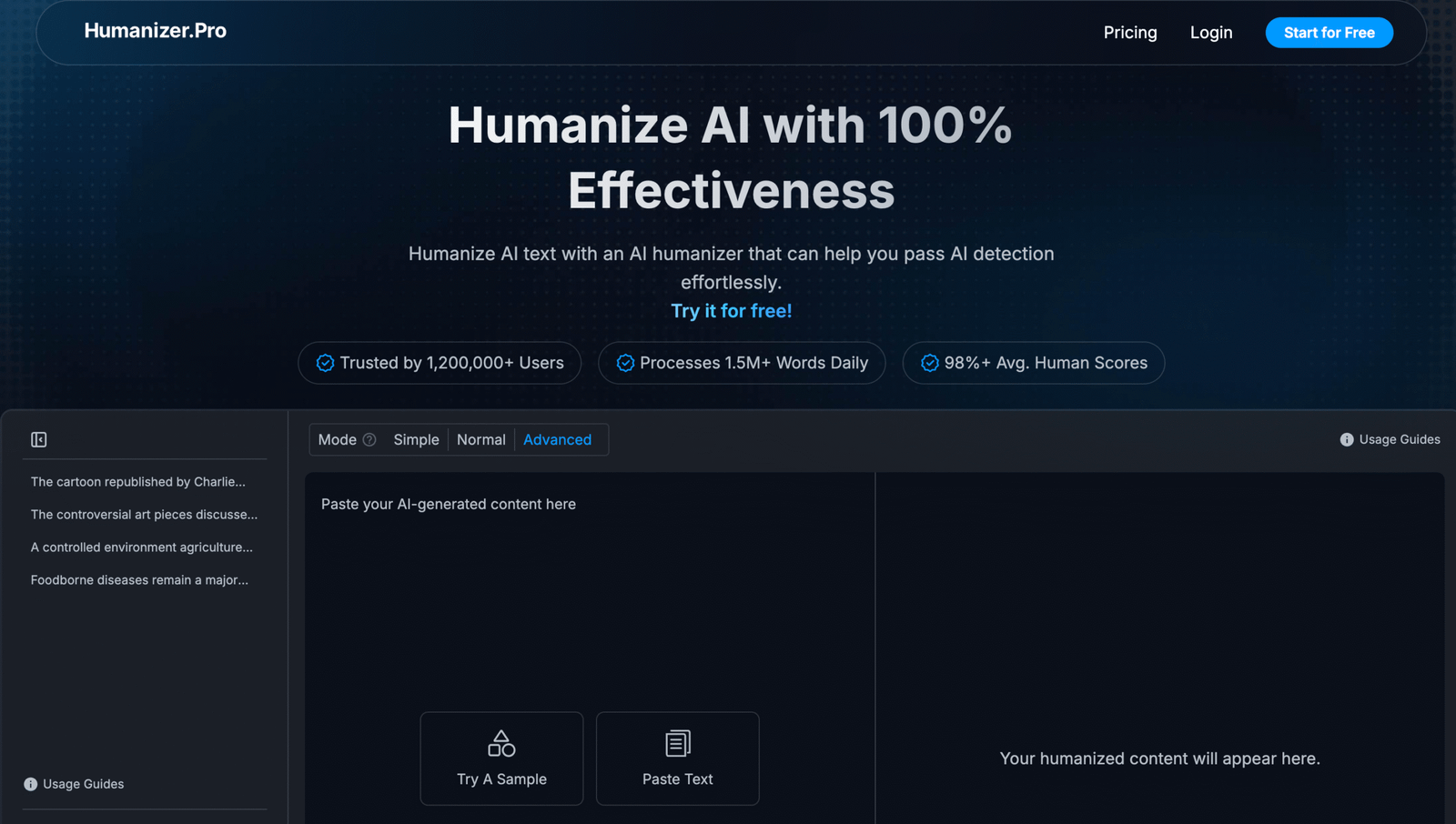
Best use case: Short-form deliverables that need a fast reduction in repetitive AI phrasing before a final human review.
What it does well: It keeps the workflow simple and can quickly introduce enough sentence variation to make basic drafts feel less uniform.
Where it falls short: It offers less transparent voice control, making consistent results across multiple client projects more difficult to reproduce.
Who should skip it: Teams managing detailed style guides, regulated terminology, or long-running accounts that require tightly controlled editorial consistency.
Top AI Humanizers for Client Deliverables #8. GPTInf
GPTInf concentrates on changing the statistical regularity of AI-written text, which gives its output a less predictable sentence pattern than many untouched drafts. For teams dealing with repetitive source material, that variation can make paragraphs feel more natural without requiring a manual rewrite of every line. The platform is particularly convenient when speed matters and the editor wants a noticeably different version to work from. Still, unpredictability is not the same as good writing, and occasional wording choices can feel less precise or less elegant than the source. A draft may also pass through the tool with its underlying weakness intact, which means vague ideas, thin evidence, and poor organization still need conventional editing. GPTInf works better as a disruption tool that breaks mechanical patterns than as a complete solution for delivering polished, audience-aware client copy.
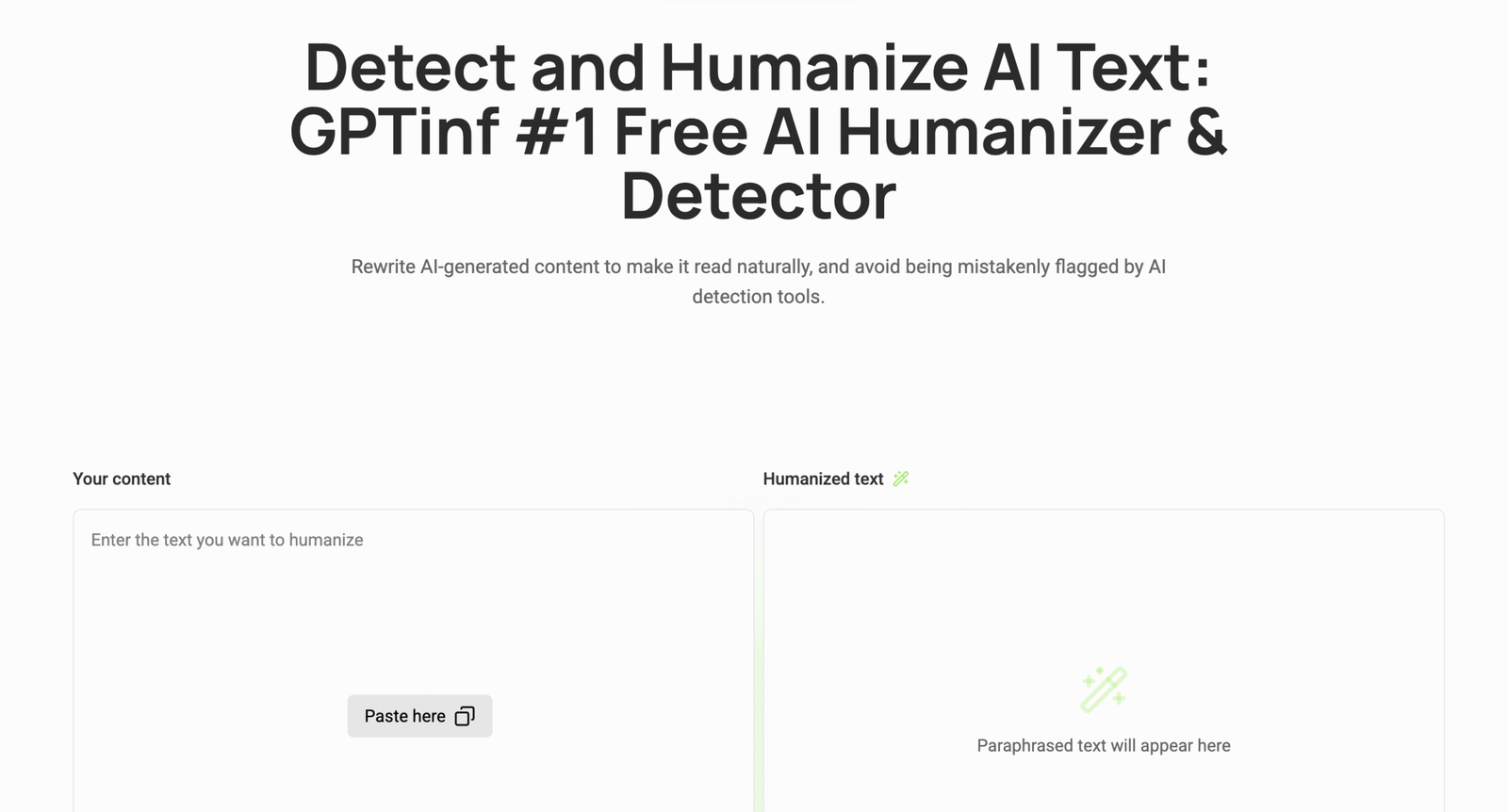
Best use case: Repetitive AI drafts that need stronger sentence variation before an editor improves argument quality, tone, and flow.
What it does well: It disrupts predictable phrasing patterns and gives editors a meaningfully different version to refine.
Where it falls short: Some changes prioritize variation over elegance, which can introduce awkward wording or weaken factual precision.
Who should skip it: Users expecting one automated pass to produce a finished client deliverable without substantive editorial review.
Top AI Humanizers for Client Deliverables #9. Walter Writes AI
Walter Writes AI aims for a more conversational surface, which can help when client drafts feel overly formal or too obviously assembled from standard AI phrasing. Its output often loosens stiff transitions and introduces a more varied cadence, making it suitable for blogs, explainers, and accessible marketing copy. The experience is uncomplicated, and that matters for freelancers who need to revise material quickly without building a detailed configuration for every assignment. The drawback is that conversational language can become a default rather than a carefully chosen voice, which may not suit clients in conservative or highly technical fields. It can also simplify sentences that were intentionally precise, so the friendliest version is not always the most responsible one to deliver. Walter Writes AI is most useful when warmth is missing from an otherwise solid draft, provided the editor keeps a close eye on specificity and professional fit.
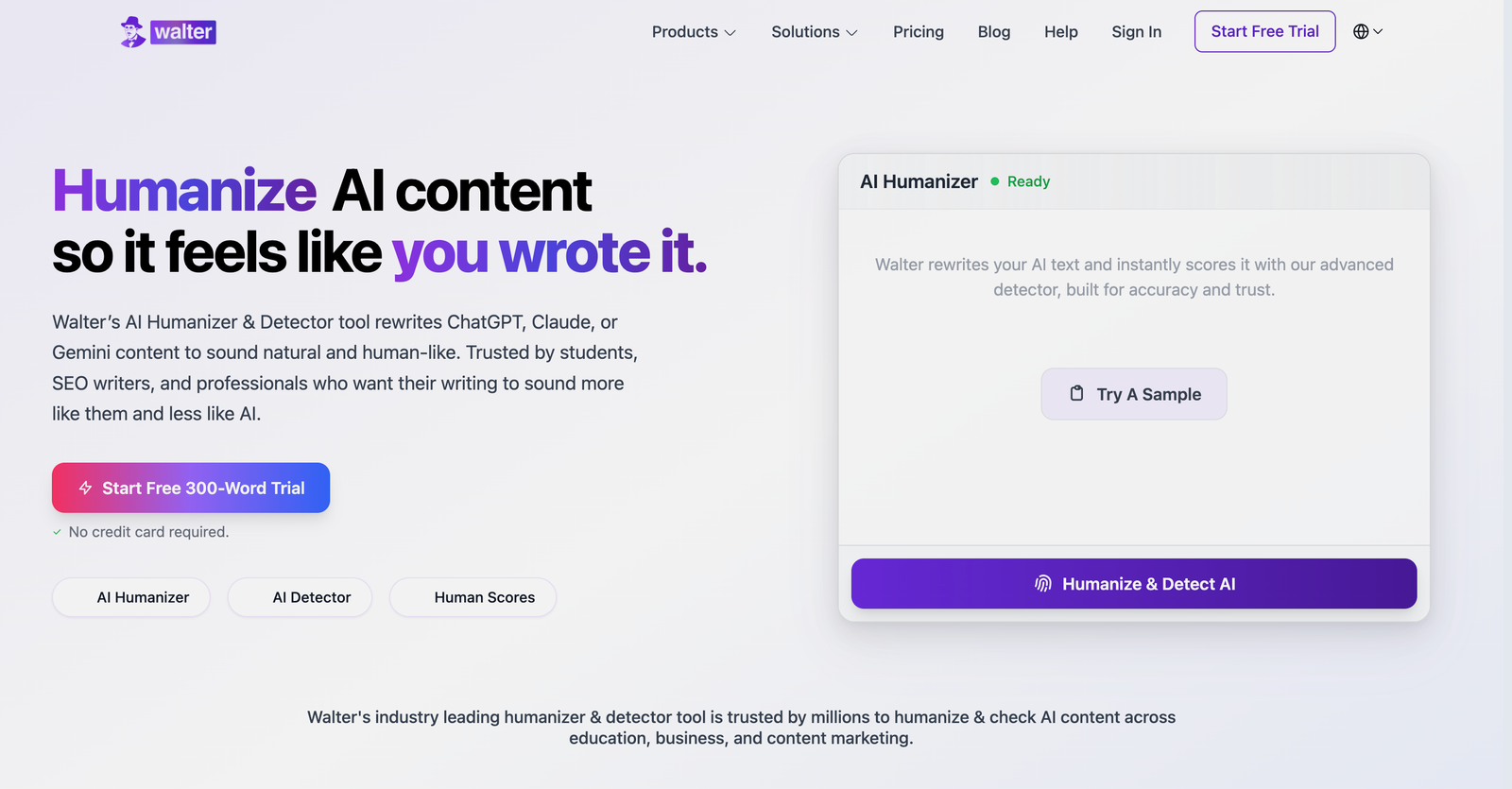
Best use case: Blog posts, explainers, and approachable marketing assets that need a warmer and less rigid reading experience.
What it does well: It softens stiff language and introduces a conversational rhythm without demanding a complex setup.
Where it falls short: The warmer tone can feel misplaced in formal industries, and simplified phrasing may remove useful technical precision.
Who should skip it: Writers producing compliance-heavy documents, specialist reports, or executive material that requires a restrained and exact voice.
Top AI Humanizers for Client Deliverables #10. AI Undetect
AI Undetect offers a simple rewriting route for users who need to move quickly from a machine-like draft to something that reads with more variation. Its uncomplicated workflow can be useful for low-risk content where the editor mainly wants to remove repetitive syntax and obvious formulaic transitions. The tool can produce a workable foundation for social copy, short web sections, and other assets that will receive another review before delivery. Its simplicity, however, means there is less room to shape a recognizable client voice or preserve nuanced stylistic rules across several projects. Some outputs may also replace direct wording with longer alternatives, which can make the text feel human without necessarily making it clearer. AI Undetect is exactly the sort of tool that can save time at the beginning of an edit, but it should not be mistaken for the editorial judgment required at the end.
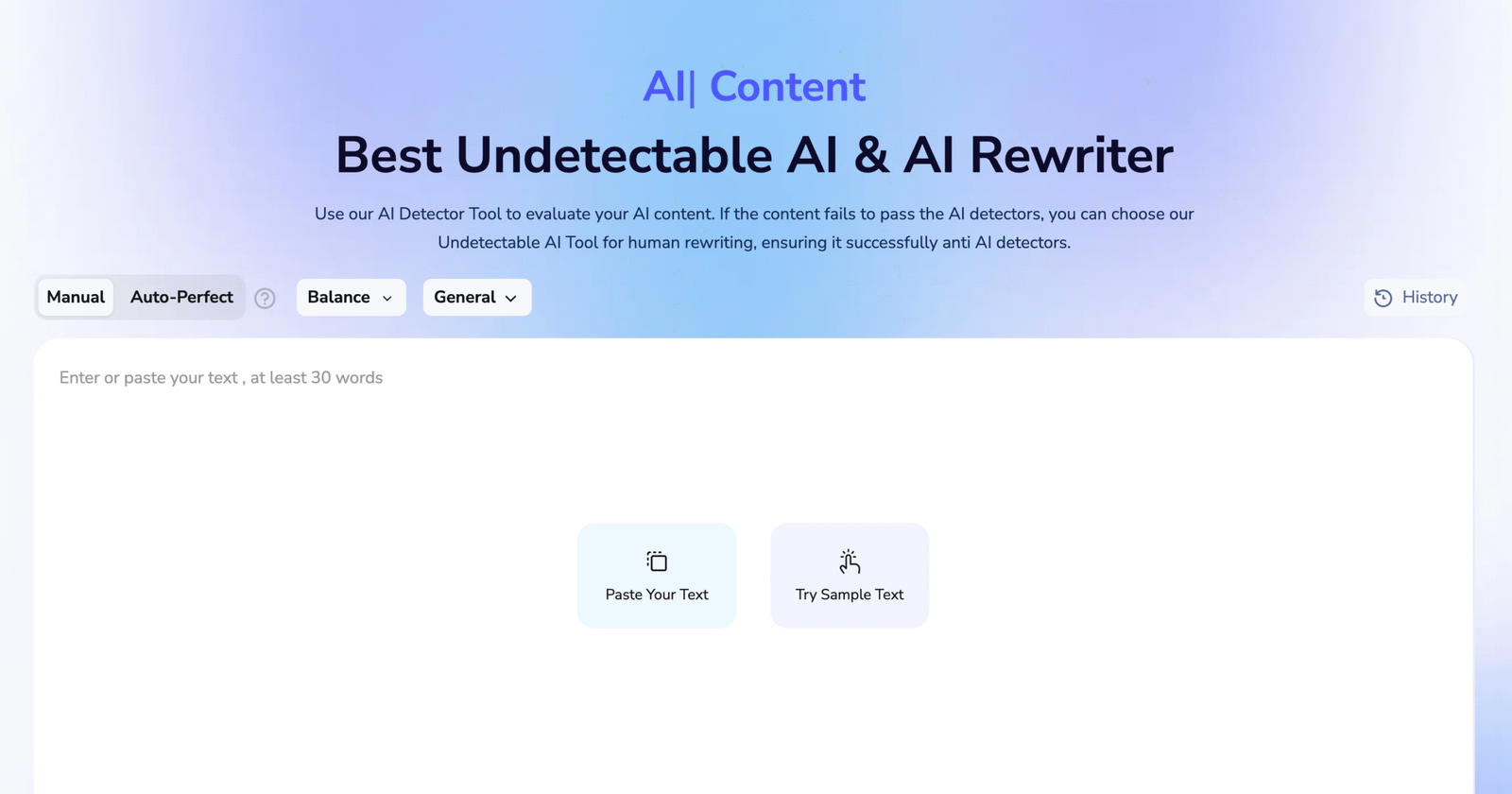
Best use case: Low-risk short-form content that needs a quick stylistic pass before a writer checks clarity, tone, and factual accuracy.
What it does well: It removes many obvious AI patterns through a simple process that requires little setup or technical familiarity.
Where it falls short: Limited voice controls make it harder to create distinct, repeatable results for clients with detailed editorial standards.
Who should skip it: Agencies that need documented style consistency, careful terminology preservation, or dependable output across complex client accounts.
Choosing Among Top AI Humanizers for Client Deliverables
The strongest option depends less on which platform makes the boldest promise and more on how carefully it preserves meaning, tone, and approved client language. Some tools are better at broad stylistic cleanup, while others give editors more control over the details that make one client sound different from another.
WriteBros.ai stands out for teams that need repeatable voice control across ongoing accounts, especially when consistency matters as much as natural phrasing. Simpler tools may still be perfectly reasonable for lighter assignments, although they usually leave more of the final judgment to the editor.
Detection-focused features can be useful as one signal, but they do not say much about whether a document is accurate, persuasive, or appropriate for the intended reader. The whole thing still comes back to editorial review, because a less predictable sentence is not automatically a better one.
A practical choice should reflect the type of deliverables being produced, the risk attached to wording changes, and the amount of manual checking a team can realistically maintain. Honestly, the best results tend to come from treating humanization as one stage in the workflow rather than the point where the work is considered finished.
Disclaimer: The tools referenced are included for editorial and informational purposes only and are selected based on observable product behavior and relevance rather than sponsorship or paid placement. Screenshots are shown solely for identification, commentary, and illustrative reference in line with standard editorial and fair use practices, and may not reflect the most current version of each product. All trademarks, logos, and interface elements remain the property of their respective owners. For update, correction, or removal requests, please refer to the Editorial Policy.